





This isn't what getting older feels like. This is what a bad setup feels like.
I want to start with something I didn't fully understand until someone spelled it out for me: most of the physical discomfort desk workers carry around isn't a normal consequence of working. It's a consequence of working in positions your body was never designed to sustain.
That distinction matters. Because if it's just aging, there's nothing to do about it. If it's a setup problem, it's fixable.
My introduction to ergonomics came from a teacher who walked our class through proper seating posture — the kind of thing most people never encounter in any systematic way. At the time I was spending entire days at a computer and could already feel habits forming that I knew, on some level, weren't sustainable. Wrist tension from poor keyboard positioning. Lower back tightness from sitting without any lumbar support. The physical weight of too much sitting and not enough awareness of how I was doing it.
I don't have a physiotherapy degree. What I have is a commitment to doing the reading and presenting what I find in plain language. Here's what's actually happening when your desk job starts to hurt.
Your body was not built for this
Human bodies evolved for movement. For virtually all of human history, sustained static posture — staying in one position for hours at a stretch — wasn't something people did. The musculoskeletal system, the whole network of muscles, joints, tendons, and connective tissue, is built around the assumption of regular movement and varied positions throughout the day.
When you sit still for extended periods, several things happen that the body handles poorly:
- Spinal discs compress. The cartilage between your vertebrae needs movement to stay hydrated and nourished. Prolonged static sitting reduces the fluid exchange that keeps discs healthy over time.
- Hip flexors shorten. The muscles at the front of your hips tighten when held in a flexed position for hours. Over time, this pulls on your lower back and pelvis and contributes to the chronic ache that so many desk workers have normalized as just how their back is.
- Glutes deactivate. The muscles responsible for stabilizing your pelvis and lower back essentially stop firing during prolonged sitting. When you stand, other muscles have to compensate. Over time this imbalance creates pain and weakness that shows up as generalized lower back trouble.
- Neck muscles strain. Holding your head in any position other than neutral puts load on the cervical spine. A screen that's too low creates a sustained forward tilt — and research suggests the mechanical load on the neck increases dramatically at significant forward tilt angles compared to an upright resting position.
None of this is inevitable. It's the predictable outcome of sitting in poorly configured positions for sustained periods. Your body is responding exactly as it should to the conditions you're giving it. The conditions are the problem.
The common complaints and what's behind them
Lower back pain
The most reported complaint from remote workers, and the one with the most direct line to setup problems. Common causes: a chair that lets your lower back round outward without lumbar support, a seat height that's off and disrupting the natural spinal curve, and hip flexor tightness from prolonged sitting pulling the pelvis into an anterior tilt.
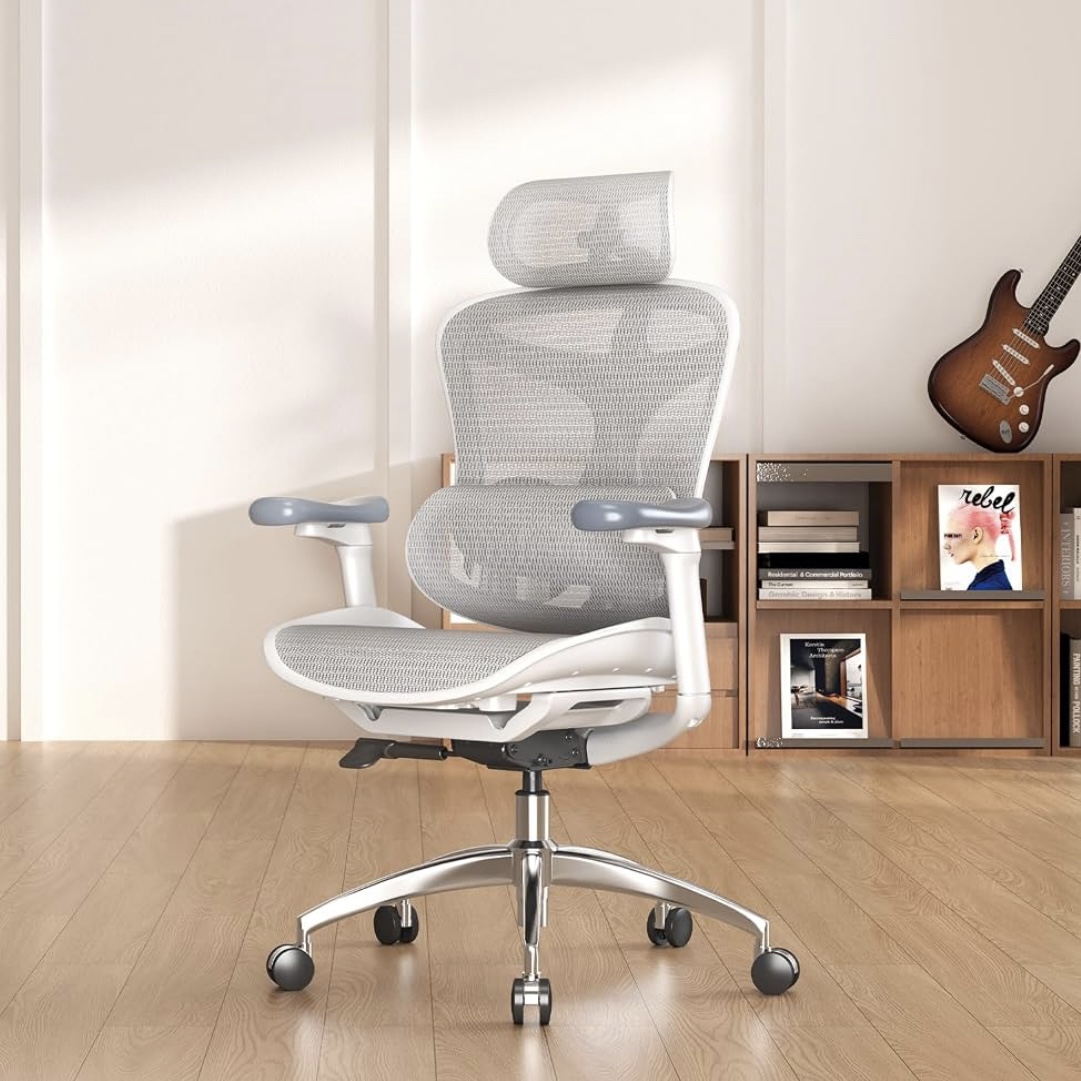
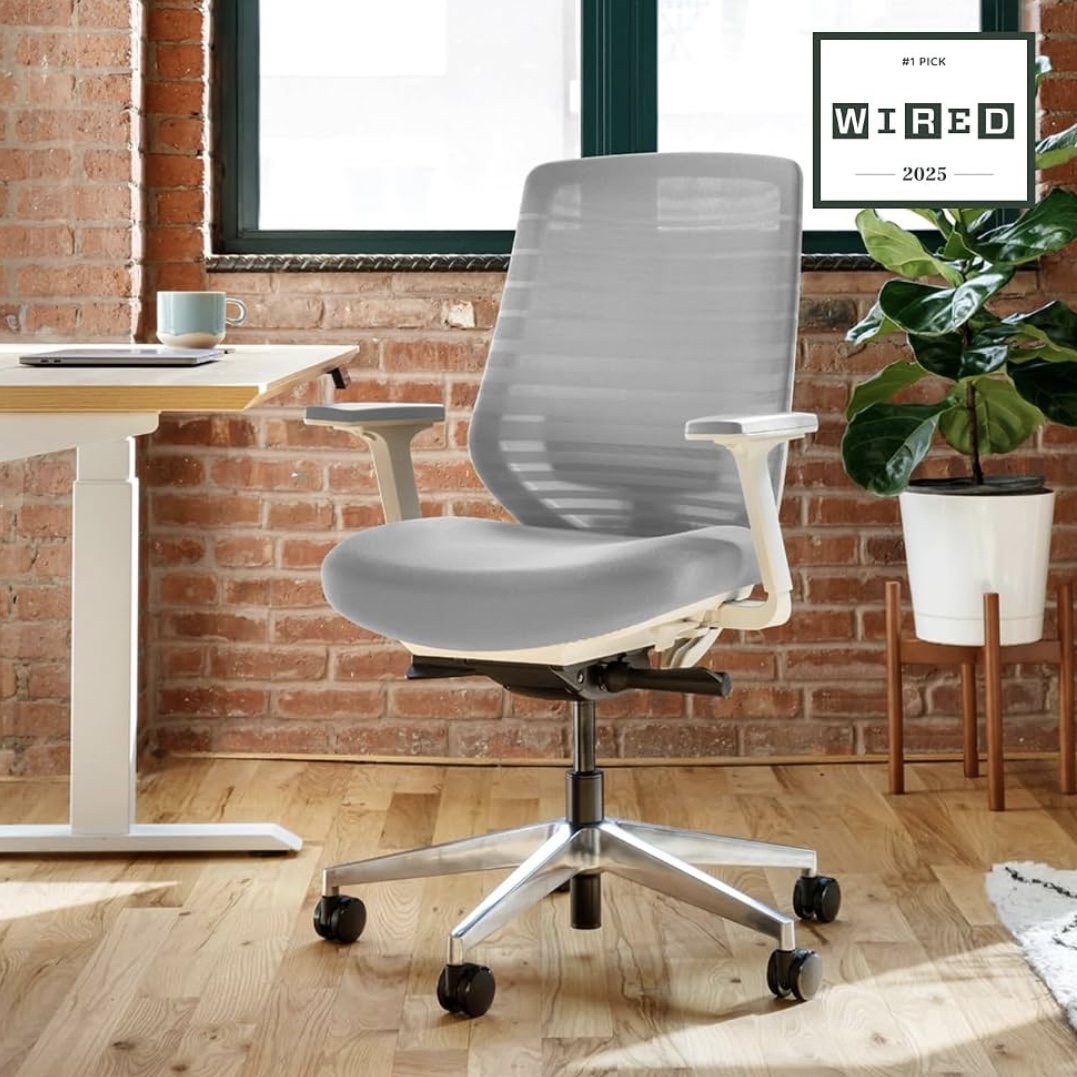
The fix starts at the chair. Lumbar support positioned correctly, feet flat on the floor, knees at roughly 90 degrees. That single adjustment resolves the most common version of this problem.
Neck and upper back pain
Almost always caused by screen position. Your monitor is probably too low — for most people it's 4 to 6 inches below where the top of the screen should be. Your head compensates by tilting forward to meet it. Eight hours a day, every day, and your neck will tell you about it.
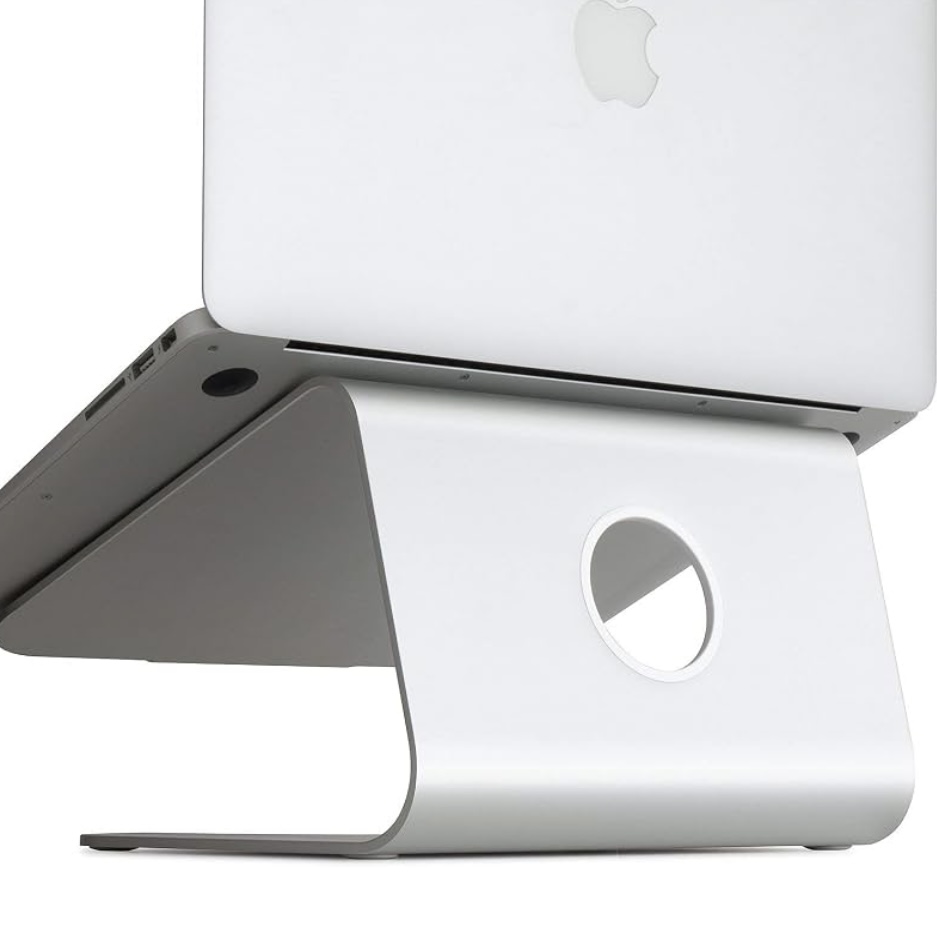
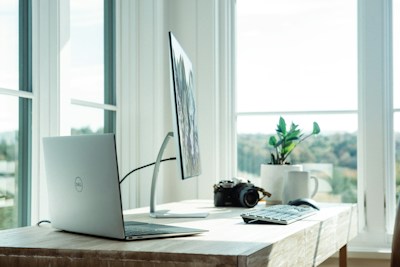
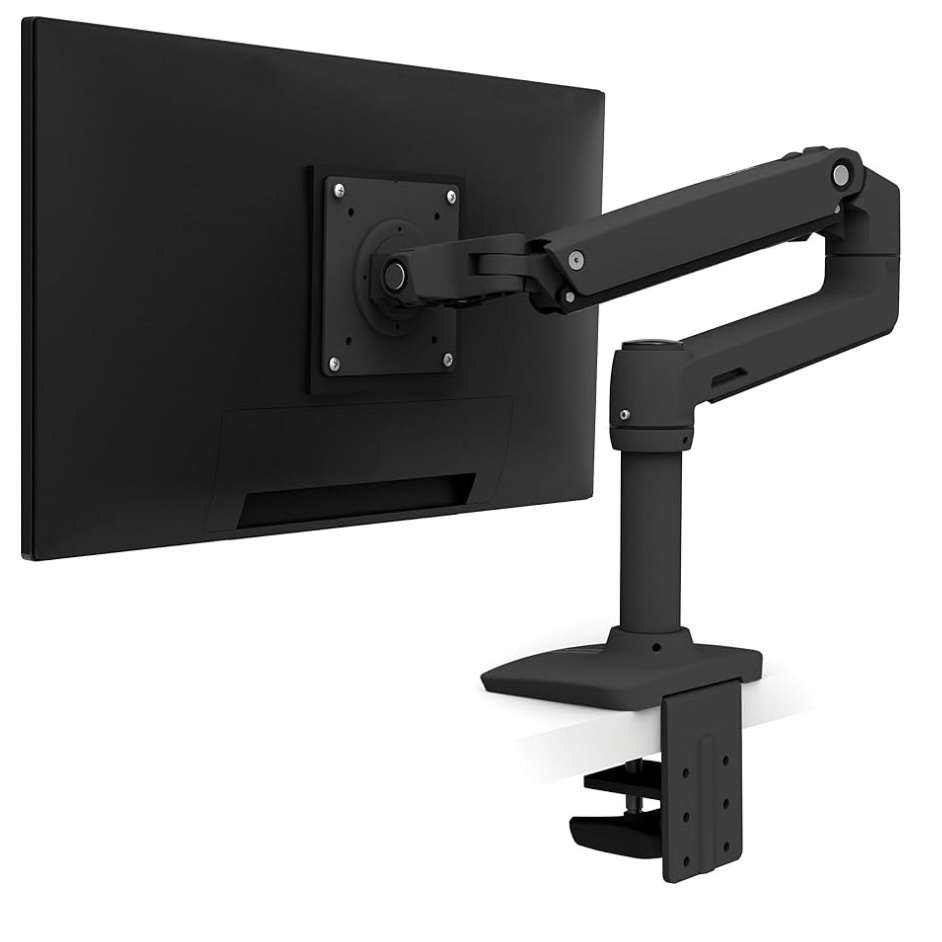
The fix is raising the screen until the top of the monitor is at or just below eye level. A monitor arm does this cleanly. A laptop stand paired with an external keyboard does it for laptop users. It's a fifteen-minute change with a measurable impact on how you feel by end of day.
Wrist and forearm pain
Typing with bent wrists — angled upward because the keyboard is too high, or drooping downward because it's resting on a soft surface — places repetitive load on the tendons and connective tissue running through the carpal tunnel. Over time, this is the mechanism behind the kind of repetitive strain injuries that are genuinely hard to recover from once they establish themselves.
Wrists should be roughly flat and neutral during typing. Elbows at approximately 90 degrees, forearms roughly parallel to the floor. Getting keyboard position right usually means getting desk height right first.
Eye strain and headaches
Often attributed to screen time in general, but more often caused by specific, correctable issues: monitor too close or too far away, screen brightness that doesn't match the ambient light in the room, or glare from a window or overhead light hitting the screen directly. The general guidance is to keep your monitor at roughly arm's length and to match screen brightness to the room you're in.
Why most people don't fix it
The pain builds slowly. Nobody sits at a new desk on day one and feels immediate lower back pain. It accumulates over months and years until it starts to feel like a background condition — something that's always been there, with no obvious source, that just has to be managed.
That gradual onset is also why people underestimate how reversible the situation is. If your neck has been stiff for two years, it doesn't intuitively feel like something a monitor arm could solve. But for a significant number of people, that is exactly what it is.
The other factor: nobody teaches this stuff in any organized way. I was fortunate to have one teacher who spent twenty minutes on it. Most people don't get that. That's the gap this site is trying to close.
Five things to check right now — all free
- Screen height: Is the top of your monitor at or just below eye level? If you're looking down at your screen, raise it.
- Chair height: Are your feet flat on the floor with knees at roughly 90 degrees? Adjust until they are.
- Lumbar support: Does your lower back have support, or is it rounding outward? If the latter, your chair needs adjustment or replacement.
- Keyboard position: Are your wrists flat when you type? If they're angled upward, your keyboard is too high.
- Screen distance: Can you read clearly without leaning forward? If you're leaning in, move the screen closer or increase the font size.
Most of these checks take under a minute. Several of the fixes take under a minute. For a lot of people, making these adjustments is the start of feeling noticeably different by the end of a workday.
For a step-by-step walkthrough of the full home office setup — chair, desk height, monitor position, keyboard, lighting — read our complete ergonomic setup guide.