







Why a monitor arm might be the highest-return ergonomics purchase you can make
Not a standing desk. Not a new chair. A monitor arm.
I know that's not the answer most people expect, so let me make the case.
Your monitor right now is almost certainly too low. For most people, it's sitting 4 to 6 inches below where it should be — which means your head is tilted forward and down for every hour you spend at your desk. Research published in Surgical Technology International found that at a 60-degree forward head tilt, the mechanical load on the cervical spine increases dramatically compared to a neutral position. Your neck is holding up more than it should be, all day, every day.
A monitor arm lifts your screen to where it belongs — top of the monitor at or just below eye level, roughly an arm's length away — in about fifteen minutes. The neck tension that's been building quietly for months has a boring cause and a boring fix.
Before you buy — what to check
- VESA compatibility — most monitors use a 75x75mm or 100x100mm VESA mounting pattern. Check your monitor's spec sheet before ordering anything. It's a two-second check that saves a return.
- Weight capacity — the arm needs to support your monitor's weight with margin to spare. A heavy monitor on a minimum-rated arm will drift over time.
- Clamp vs grommet — clamp mounts attach to the desk edge, easier and requires no drilling. Grommet mounts thread through a hole in the surface, cleaner look, more stable. Check which your desk supports before ordering.
- Cable management — a good arm routes cables along its length. Worth checking before defaulting to the cheapest option.
The picks
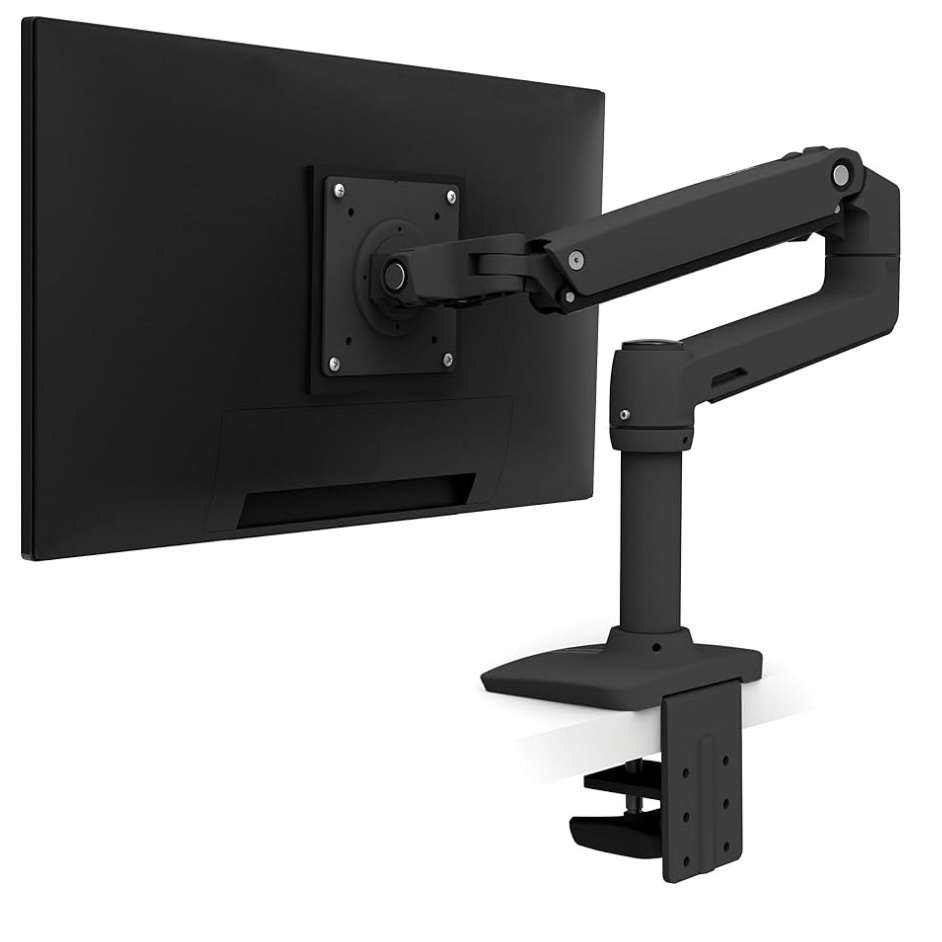
Best overall — Ergotron LX Single Monitor Arm
The Ergotron LX is the benchmark. It's what every other monitor arm gets measured against, and it holds that position for straightforward reasons: the movement is smooth, it stays where you put it without drift, and the build quality is the kind that makes you think about the desk setup you'll have in ten years.
Cable management runs the full length of the arm. Setup takes about fifteen minutes. It handles monitors up to 34 inches. Hard to find a real criticism, which is why it's the pick for most people.
Weight range: 7–20 lbs (3.2–9 kg)
VESA: 75x75mm and 100x100mm
Mounts: clamp or grommet
Max monitor size: 34 inches
Our pick: Ergotron LX — the benchmark that other arms get compared to.
Check price on Amazon →Best budget — Amazon Basics Single Monitor Arm
If you want to experience what monitor height correction actually feels like before committing to the Ergotron, the Amazon Basics arm is a reasonable proof of concept. It will raise your screen. The movement isn't as fluid and it won't hold position as firmly over time, but the core job gets done.
Honest take: most people who buy this end up upgrading to the Ergotron within a year. But if you need to see the difference before fully committing, this is the low-stakes entry point.
Budget option: Amazon Basics Monitor Arm — a proof of concept before committing.
Check price on Amazon →Best for dual monitors — Ergotron LX Dual Stacking Arm
Same Ergotron quality extended for a two-monitor setup from a single desk clamp. Stack them vertically or side by side depending on your workflow. One thing to check: two monitors on one clamp puts more stress on the desk edge. Solid wood and metal desks handle it fine. Thinner particleboard surfaces should use the grommet mount option for stability.
Dual monitors: Ergotron LX Dual — same quality, built for two.
Check price on Amazon →The short version
A monitor arm is the ergonomics purchase I'd recommend before almost anything else because screen height is the most common uncorrected problem in home office setups and it has a direct line to daily neck and upper back pain.
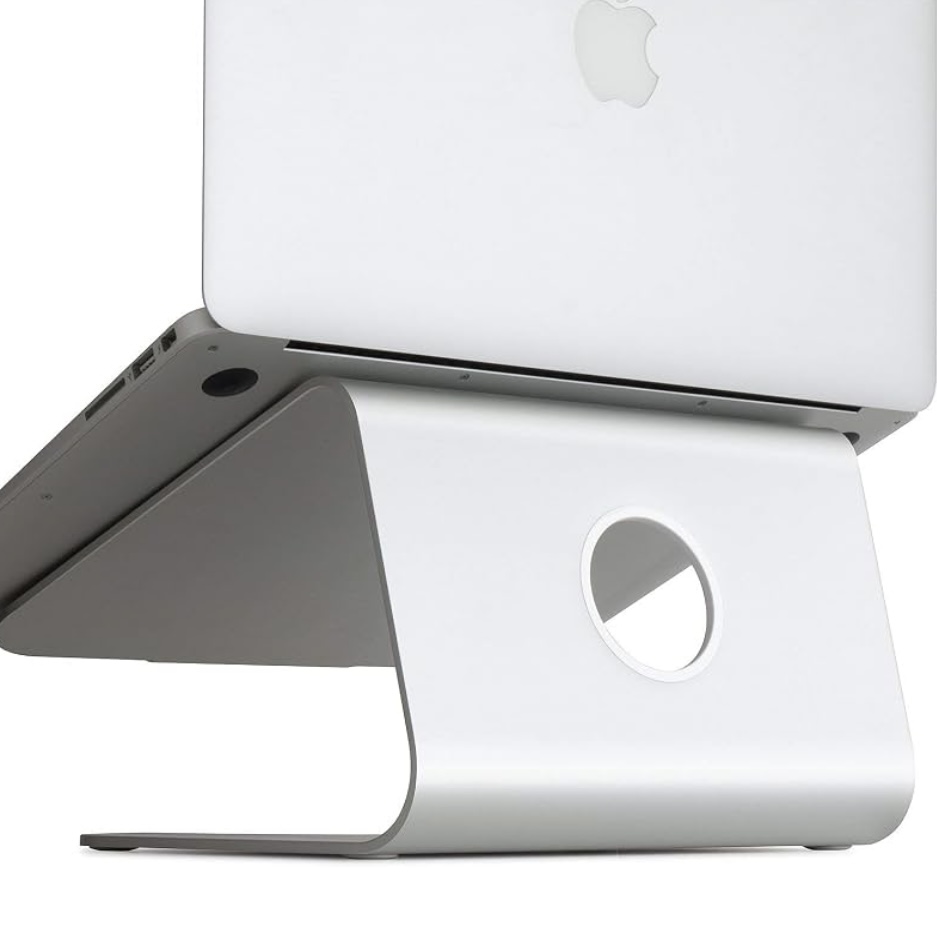
The Ergotron LX is the pick. Pair it with a laptop stand if you're on a laptop, and an external keyboard to keep your wrists where they belong.
For the full picture of how every element of your setup fits together, read our complete ergonomic setup guide.