




Working on a flat laptop is doing damage you haven't noticed yet
This isn't hyperbole. It's just slow enough that most people don't connect it to the cause.
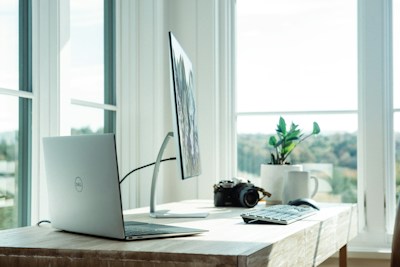
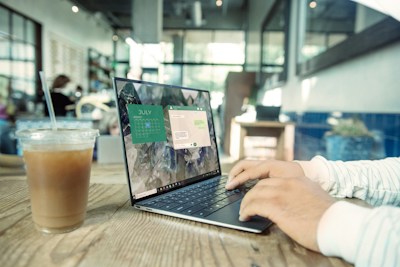
When your laptop sits flat on a desk, the screen lands somewhere between 4 and 6 inches below where your eyes should actually be. To see it, your head tilts forward. You do this all day without thinking about it. Your neck muscles hold that position under load for hours. Over weeks and months, the tension accumulates into the kind of chronic upper back stiffness that most laptop workers have just accepted as part of how they feel.
A laptop stand raises the screen to eye level. It's not complicated. The total cost of this fix — stand plus the external keyboard you'll need — is less than most people spend on desk gear that does nothing for their posture.
One thing to know before buying
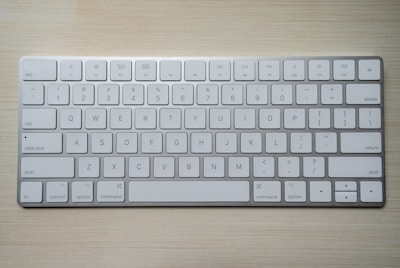
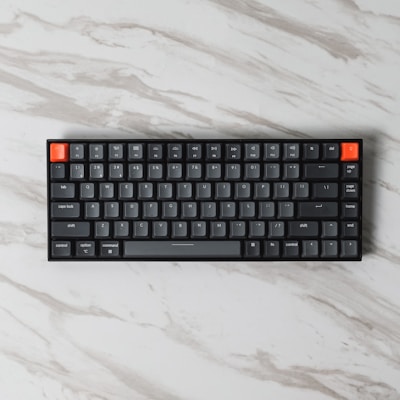
Once your laptop is elevated, the built-in keyboard is too high to type on comfortably — your wrists would be angled upward, which creates a different problem. You need an external keyboard positioned at elbow height. Factor that into your budget alongside the stand. A decent wireless keyboard doesn't cost much and it completes the setup properly.
The picks
Best overall — Rain Design mStand
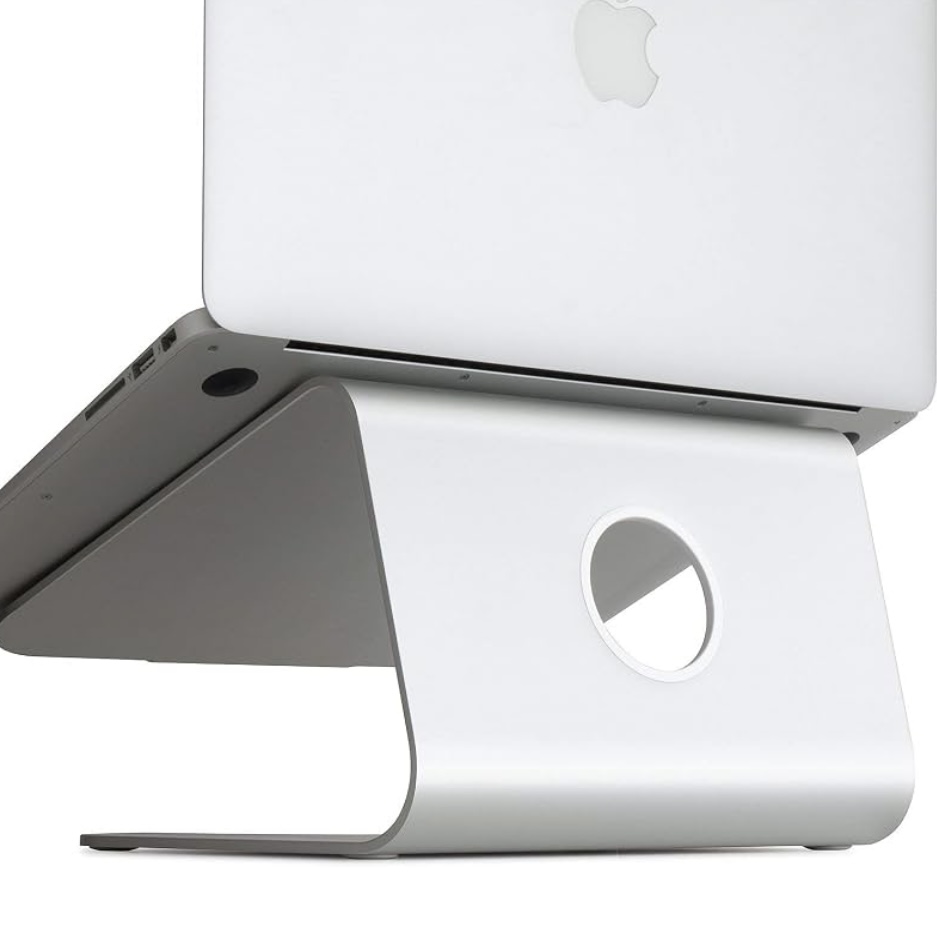
The mStand is what a large number of remote workers end up with after trying something cheaper first. It's solid aluminium — no flex, no wobble over time — raises the screen to a genuinely useful height, and has a cable management slot built into the base that keeps your charging cable from becoming a problem.
The rubber feet protect your desk. The build quality is the type that makes it feel like something still sitting on your desk five years from now. The only limitation is fixed height — you can't adjust it. For most people at a standard desk that works fine. If you're on the taller or shorter end, one of the adjustable options below will suit you better.
Best for: MacBook users who want something that looks purpose-built, anyone with a permanent desk setup who values build quality, people who want a clean desk.
Our pick: Rain Design mStand — solid, stable, and built to last.
Check price on Amazon →Best portable — Nexstand K2
The Nexstand K2 folds flat and fits inside a laptop bag. If you work from multiple locations — home, an office, coffee shops — this is the obvious pick. Despite the portability it's stable and handles laptops up to 15 inches without wobble.
It also has six height settings, which makes it a better fit than the mStand if you're not confident the fixed height will work for your body and desk combination. Find the height that puts the top of your screen at eye level and leave it there.
Best for: remote workers who move between locations, frequent travelers, anyone who wants adjustability without paying a premium for it.
Portable pick: Nexstand K2 — adjustable, folds flat, fits in a bag.
Check price on Amazon →Best premium — Twelve South Curve
The Twelve South Curve sits above the mStand in height range and build presence. It has a distinctive curved structure, a small integrated storage compartment underneath, and a ventilation design that keeps your laptop running cooler than a solid-base stand — a real benefit during longer sessions if your machine runs hot.
Premium pick: Twelve South Curve — extra height, better ventilation, storage built in.
Check price on Amazon →The complete setup — three pieces that work together
- Laptop stand — screen to eye level
- External keyboard — wrists at the correct typing height
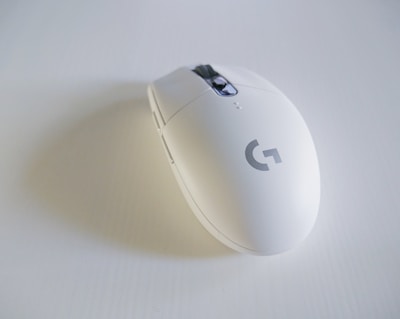
- External mouse — less wrist strain than sustained trackpad use
These three items together address the most common causes of upper body pain in laptop users. If you're making one change to your setup this week, elevating your screen is where to start.
For the full picture of how every element of a home office setup fits together, read our complete ergonomic setup guide.